

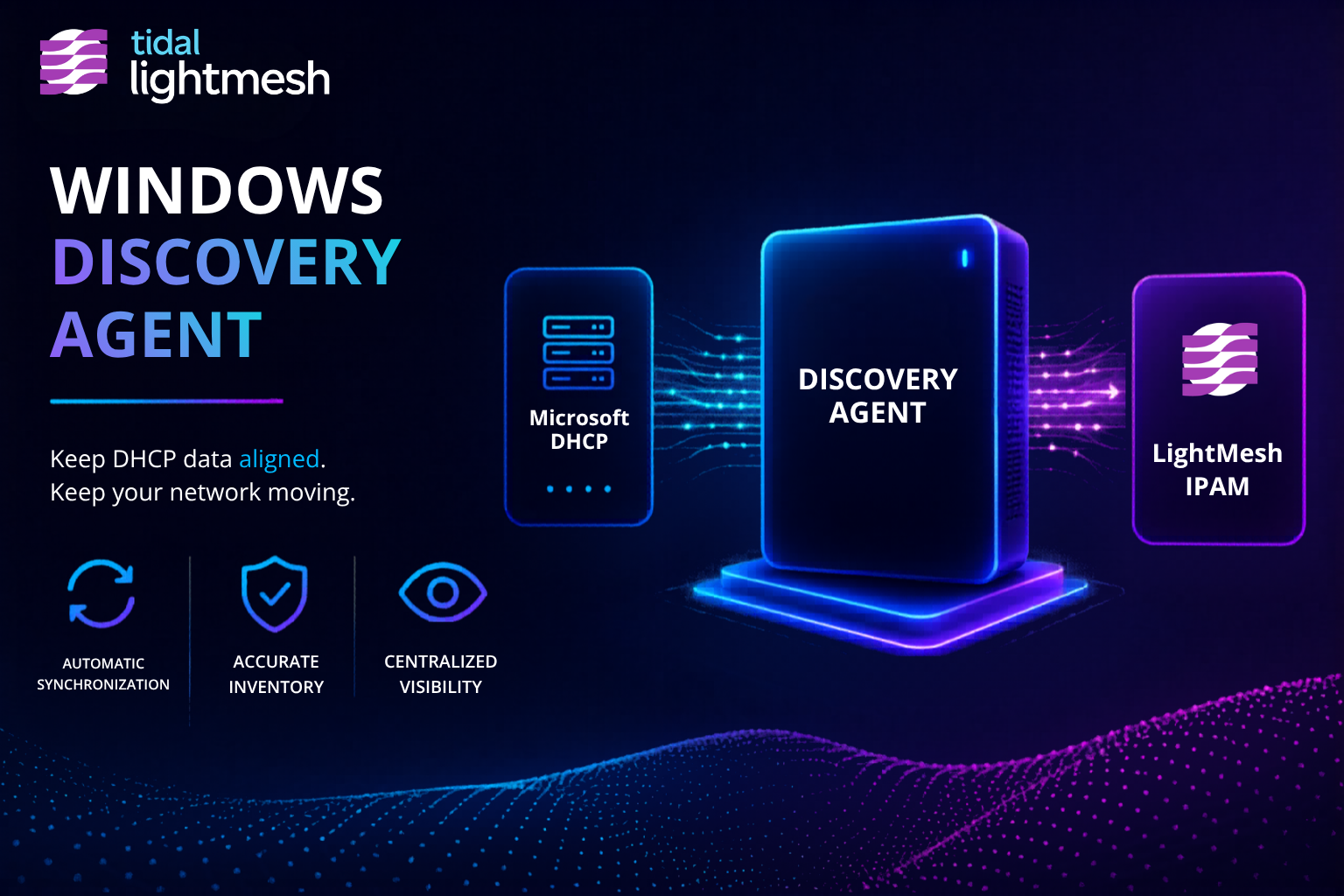
The problem: discovery tools want privileged access
Most network management systems expect credentials, agents with broad reach, or polling models that feel like handing over the keys. Security and network teams often need live host context in IPAM without standing up another NMS or granting write access to production infrastructure.
The practical question is simple: what is answering on the subnets you care about, and when was it last seen?
Read-only discovery into your source of record
LightMesh ingests live host signals through read-only collectors and writes last-seen timestamps into your IPAM source of record. You choose the subnets and data sources. Nothing in this path configures switches, routers, or DHCP servers.
Two shipped paths cover most hybrid environments:
- Microsoft DHCP through the Windows Discovery Agent: leased addresses, scopes, and lease history
- Owner- or Administrator-selected subnet ping-sweeps through the same agent: ICMP-answering hosts and their last-seen time
For cloud address space, agentless AWS and Azure sync brings VPC and VNet context into the same IPAM hierarchy. See AWS and Azure Visibility for cloud setup.
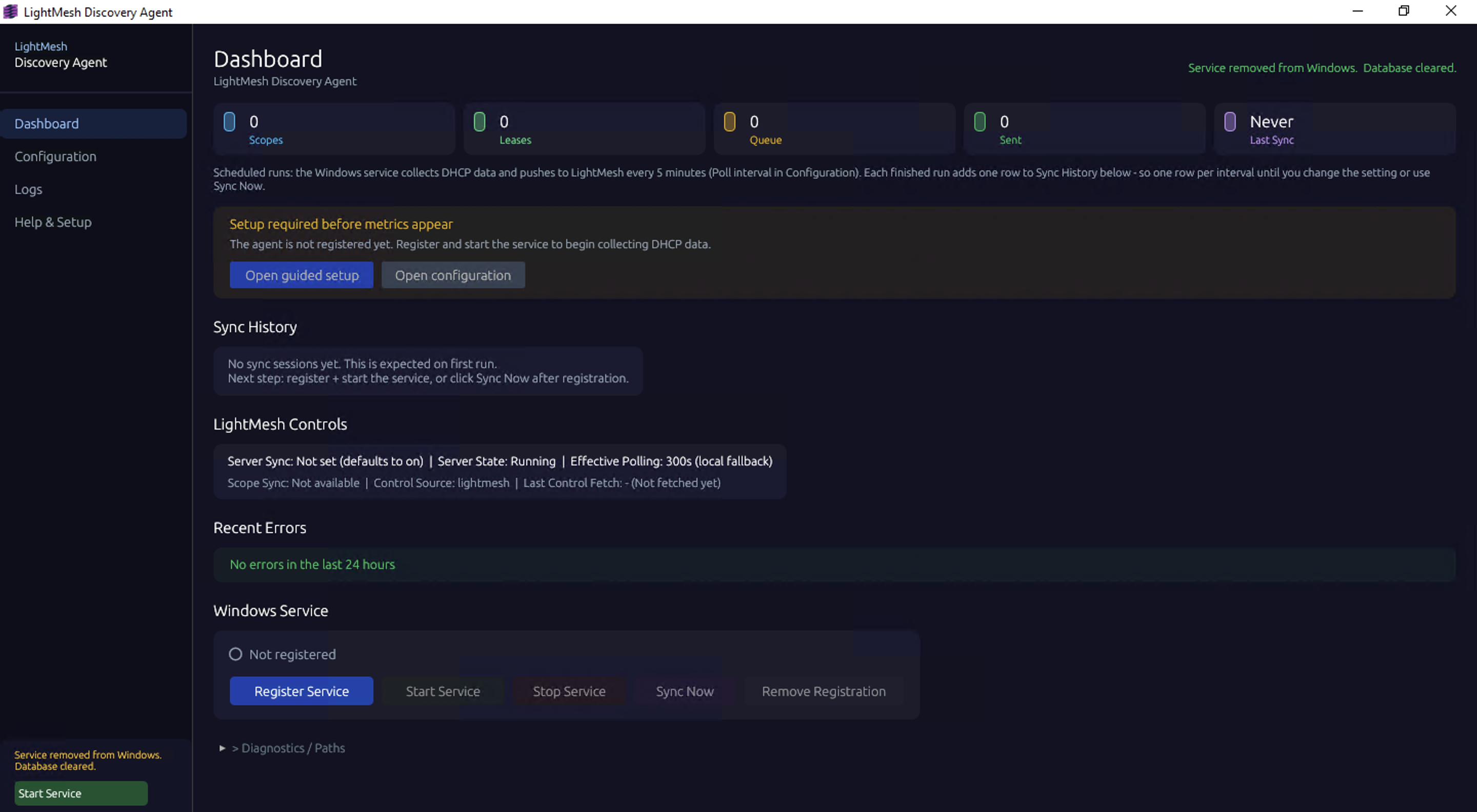
The LightMesh Discovery Agent dashboard
DHCP shows leased hosts; ping-sweep refreshes last-seen
These are complementary views, not duplicate inventory.
DHCP discovery answers: which addresses have an active or recent lease, with hostname, MAC, and scope context. That is the primary signal for Windows Server environments. See Microsoft DHCP Visibility for scope sync, Server Core deployment, and lease history in IPAM.
Subnet ping-sweep answers: which IPs in a selected subnet respond to ICMP right now. An Owner or Administrator picks the subnets in the Windows Discovery Agent. Answering hosts get a last-seen timestamp in LightMesh even when they are static, reserved, or outside DHCP scope.
Together, leased and answering hosts give teams a fresher picture of what is live without granting an NMS administrative control of the network.
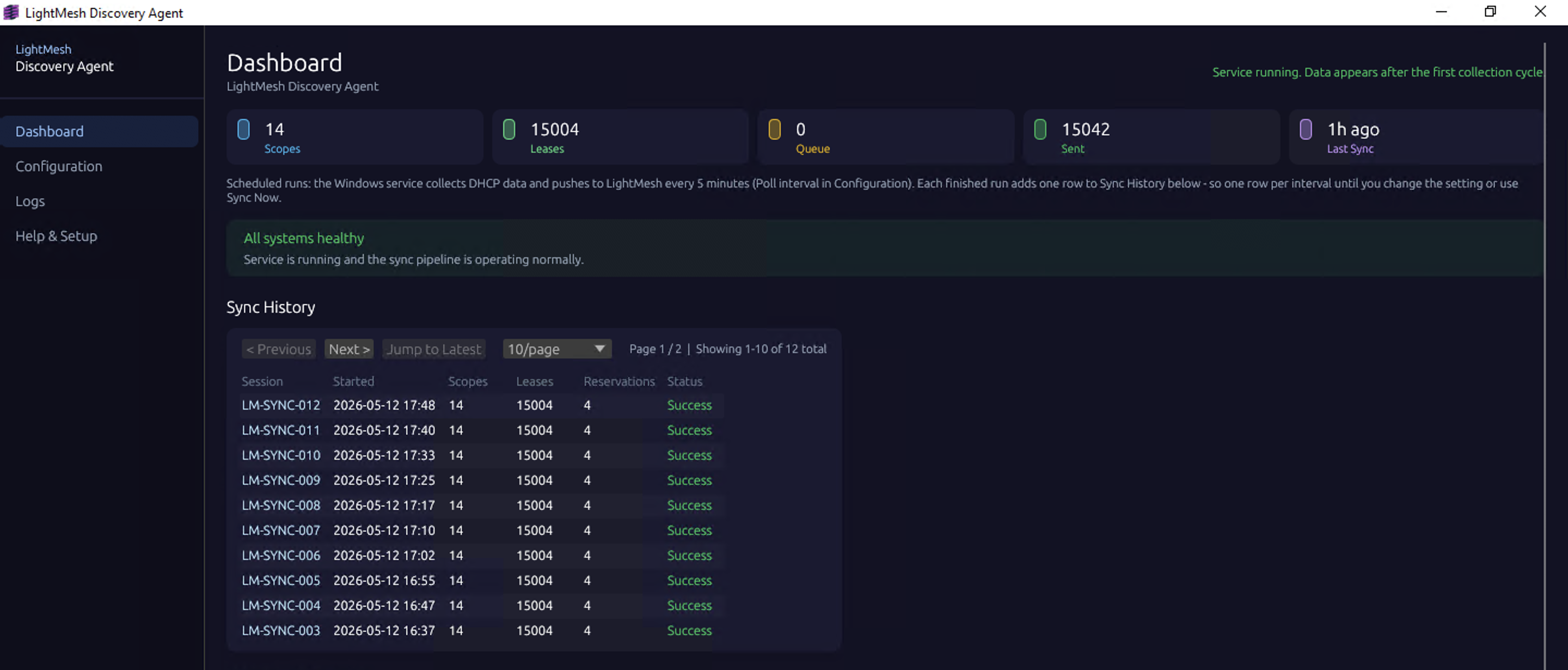
Discovery Agent sync history in LightMesh
What this is (and is not)
This is IPAM-oriented discovery. Read-only ingest, Owner-selected subnets, and last-seen data you can search alongside cloud sync and imported records.
This is not an NMS replacement. LightMesh does not poll devices for performance, topology, or configuration state. It does not require SNMP credentials or device CLI access.
This is not a complete inventory guarantee. Hosts that block or drop ICMP may appear down during a ping-sweep even when they are live. DHCP-only segments will not show static devices until they lease or you sweep the subnet. Treat last-seen as evidence, not proof of absence.
Hybrid environments in one search
On-prem last-seen from DHCP and ping-sweep sits next to AWS and Azure subnet sync and spreadsheet or legacy IPAM imports. Incident response, capacity planning, and audit prep start from one searchable IPAM instead of reconciling DHCP consoles, cloud APIs, and spreadsheets.
Get started
- Sign up for LightMesh and create your workspace.
- Install the Windows Discovery Agent on a host that can reach your Microsoft DHCP servers and target subnets.
- Configure DHCP scope sync using the DHCP setup guide.
- Add Owner-selected subnet ping-sweeps in the agent for subnets where you need ICMP-based last-seen refresh.
- Connect AWS and Azure when you are ready to unify cloud address space. See AWS and Azure Visibility.