
The problem: DHCP data lives outside your IPAM
Microsoft DHCP already knows what is on your network - but that knowledge rarely stays aligned with IPAM, spreadsheets, or security tools. Lease data fragments across branch offices, Windows Server Core hosts, and disconnected workflows. Teams lose confidence in IP inventory when assignments change faster than manual updates.
What LightMesh adds
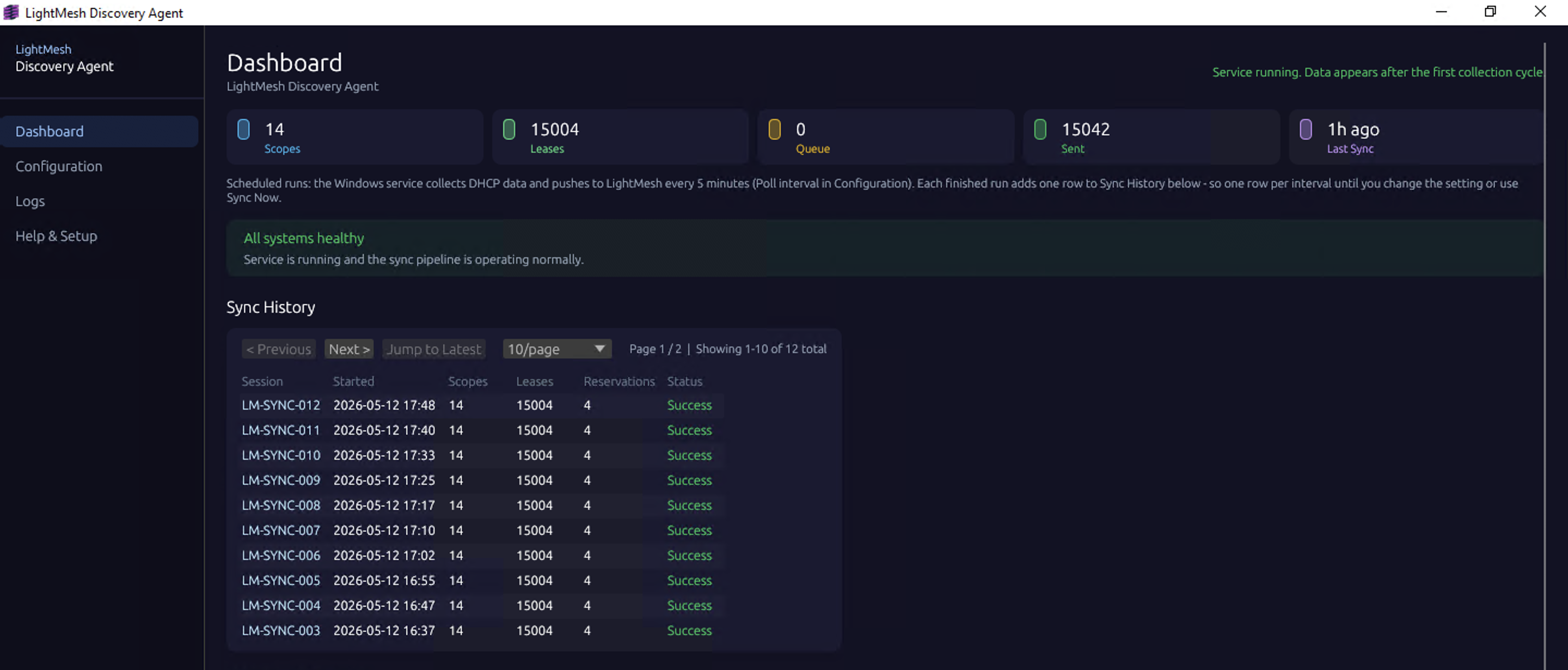
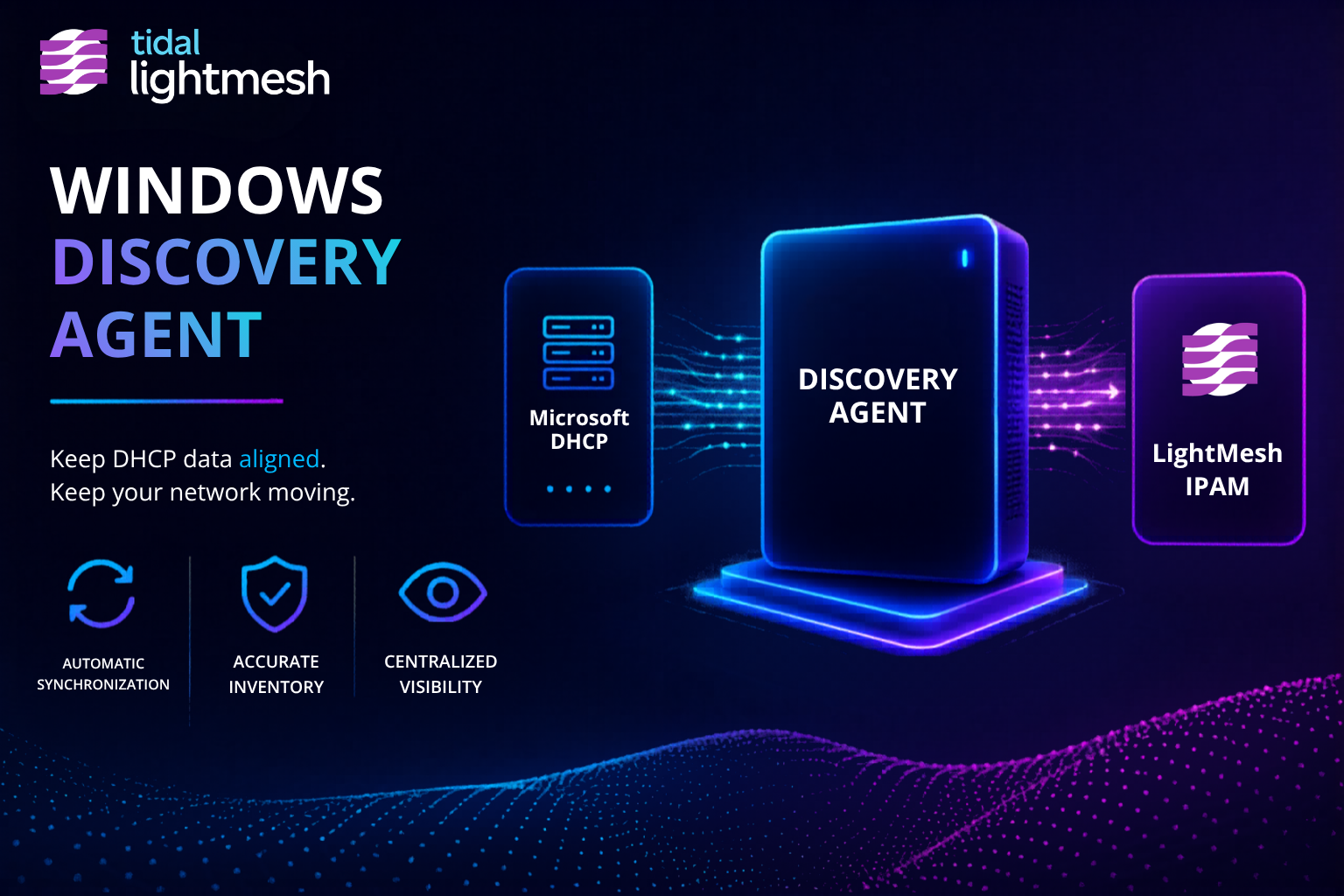
LightMesh connects Microsoft DHCP directly to IPAM with the Windows Discovery Agent. One read-only agent synchronizes scopes, leases (IPv4 and IPv6), hostnames, MAC addresses, and lease history into LightMesh. The same agent can run Owner- or Administrator-selected subnet ping-sweeps to refresh last-seen for ICMP-answering hosts. All collection is read-only toward your DHCP servers and target subnets.
- IPv4 and IPv6 lease data synchronized into LightMesh
- Live lease context next to subnets and assignments
- Distributed DHCP across sites and Server Core deployments
- Auditable sync history for troubleshooting and compliance
- Single search across DHCP, cloud, and imported IPAM data
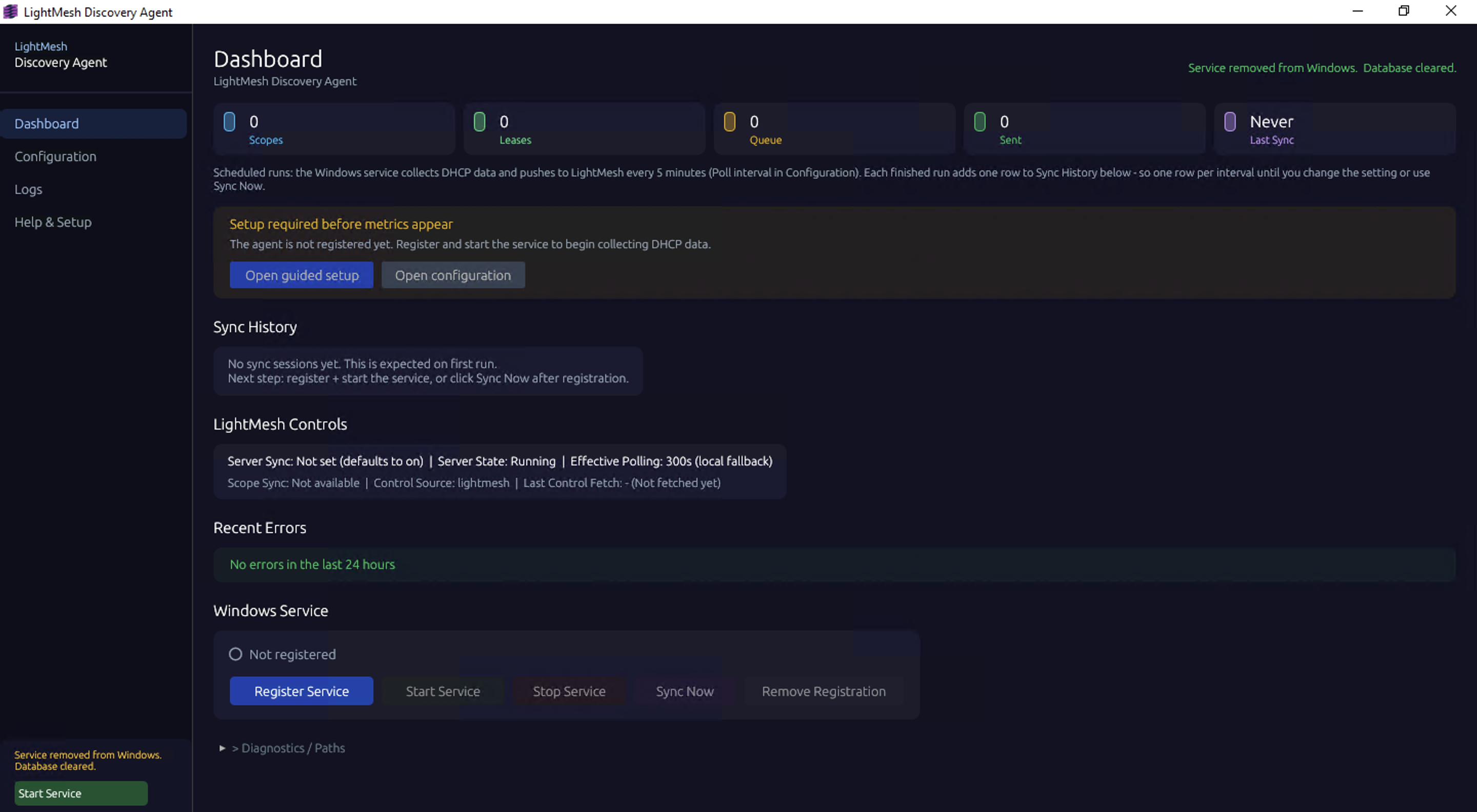
The LightMesh Discovery Agent dashboard
Deployment options
- Desktop / GUI install for Windows Server with Desktop Experience, Windows 10, or Windows 11
- Windows Server Core install for headless environments - ZIP package,
config.toml, and PowerShell service commands
See the Desktop DHCP Discovery guide and DHCP on Windows Server Core.
Subnet ping-sweep for last-seen refresh
DHCP tells you what is leased. Static, reserved, or out-of-scope devices may never appear in lease data.
The Windows Discovery Agent can also run subnet ping-sweeps. An Owner or Administrator selects the subnets in the agent. LightMesh records last-seen timestamps for hosts that answer ICMP and surfaces them next to DHCP-backed addresses in IPAM.
Ping-sweep complements DHCP; it does not replace it. Hosts that drop ICMP may look down even when they are live. See Discover Live Hosts Without NMS Credentials for how DHCP leases and ping-sweeps fit together in hybrid environments.
Onboarding workflow
- Sign up for LightMesh and create your workspace.
- Install the Windows Discovery Agent on a host that can reach your DHCP servers.
- Configure scopes to sync - follow the DHCP setup guide.
- Review leases and scopes in LightMesh as sync completes.
- Expand with AWS/Azure discovery or spreadsheet import as needed.