

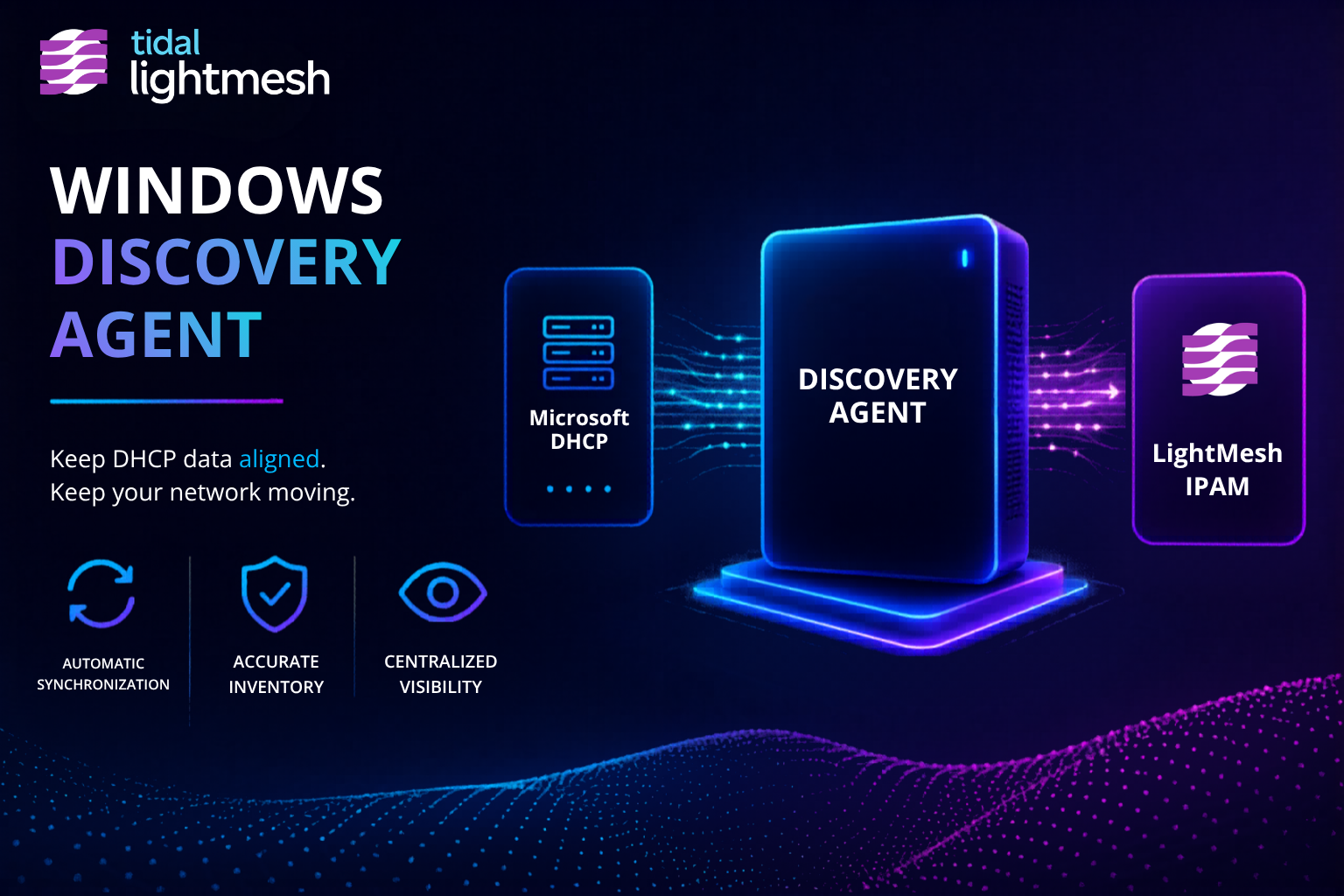
Your DHCP server knows which addresses it assigned. It does not know which of those addresses are answering on the wire right now. That gap shows up in every hybrid network where static devices, reservations, and stale leases sit beside active workloads.
Leased and live are different questions. DHCP scopes answer the first. Subnet ping-sweep answers the second. Together they give IPAM fresher last-seen context without handing an NMS credentials across the network.
The NMS alternative costs access
Most network management systems want privileged reach: device CLI, polling agents with broad install rights, or write paths into production infrastructure. Security and network teams often push back. They need live host context in IPAM, not another platform that administers the network.
Discover Live Hosts Without NMS Credentials describes how LightMesh solves this with read-only collectors that write last-seen timestamps into your source of record. You choose subnets and data sources. Nothing in this path configures switches, routers, or DHCP servers.
DHCP: what was leased
The Windows Discovery Agent synchronizes Microsoft DHCP scopes and leases into LightMesh IPAM. You get hostnames, MAC addresses, lease timestamps, and scope context for addresses the server assigned.
That is the right signal for dynamic environments. It is also incomplete on its own:
- Static or reserved addresses may never appear in lease data until something triggers a lease event.
- A lease can remain in scope after a host has left the network.
- DHCP tells you what the server offered, not whether anything is responding at that address today.
For scope sync, Server Core deployment, and lease history in IPAM, see Microsoft DHCP Visibility and Centralize DHCP Visibility with the Windows Discovery Agent.
Ping-sweep: what answers ICMP
Subnet ping-sweep is the complement. An Owner or Administrator selects the subnets in the Windows Discovery Agent. The agent sends ICMP Echo requests across those ranges and records last-seen timestamps for hosts that answer.
Ping-sweep refreshes live context for:
- Static servers that never touch DHCP
- Reserved addresses outside active lease tables
- Subnets where you need a current answer check, not just assignment history
Answering hosts land in LightMesh IPAM with last-seen data searchable beside DHCP-backed records.
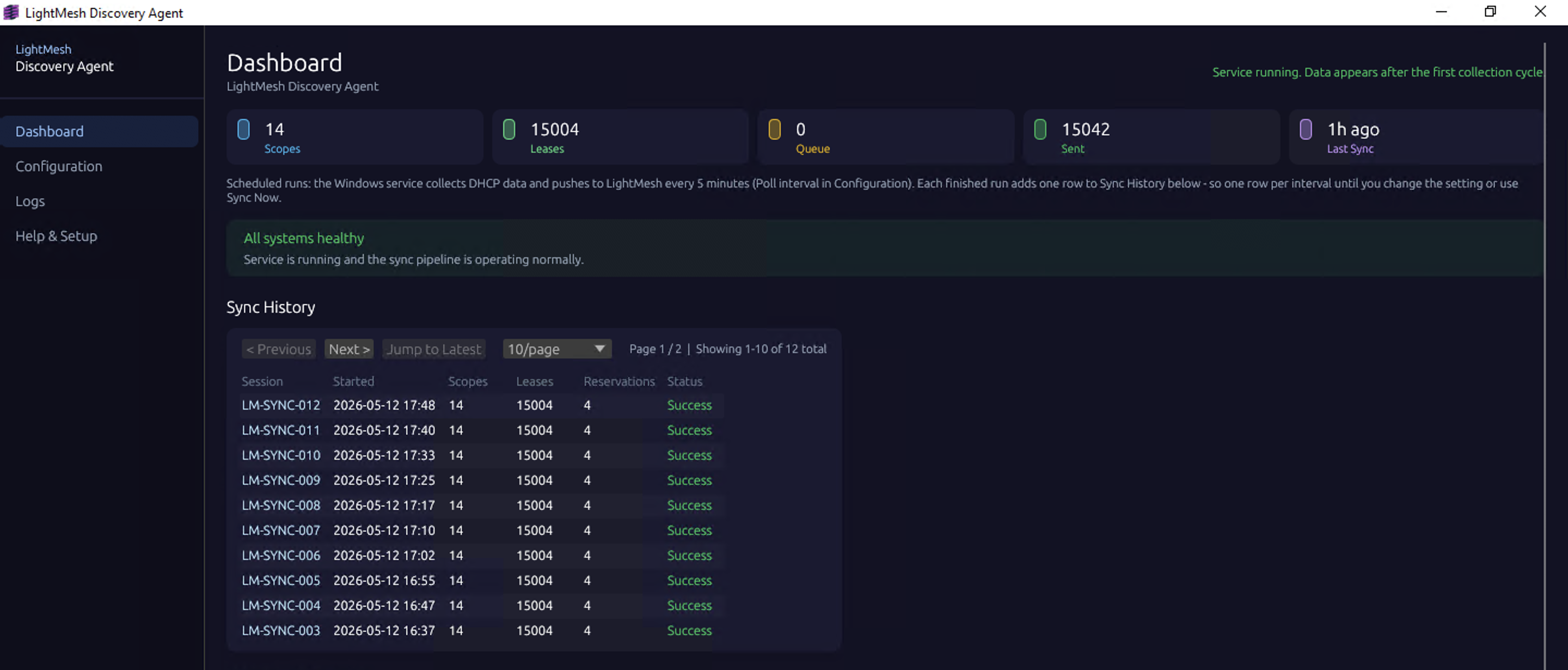
Discovery Agent sync history in LightMesh
Hybrid: on-prem signals and cloud address space
On-prem last-seen from DHCP and ping-sweep sits next to agentless AWS and Azure sync that brings VPC and VNet context into the same IPAM hierarchy. Incident response, capacity planning, and audit prep start from one searchable source of record instead of reconciling DHCP consoles, cloud APIs, and spreadsheets.
The Windows Discovery Agent stays read-only toward your DHCP servers and target subnets. Cloud sync uses read-only API integrations. No NMS-style administrative control of the network.
What this is not
This is not a complete inventory guarantee. LightMesh does not promise that every live host appears in IPAM. Hosts that block or drop ICMP may look down during a ping-sweep even when they are active. DHCP-only segments will not show static devices until they lease or you sweep the subnet. Treat last-seen as evidence, not proof of absence.
This is not an NMS replacement. LightMesh does not poll devices for performance, topology, or configuration state.
This is IPAM-oriented discovery. Read-only ingest, Owner-selected subnets, and last-seen data you can search alongside cloud sync and imported records.
Get started
- Sign up for LightMesh and create your workspace.
- Install the Windows Discovery Agent on a host that can reach Microsoft DHCP servers and target subnets.
- Configure DHCP scope sync with the DHCP setup guide.
- Add Owner-selected subnet ping-sweeps in the agent for subnets where you need ICMP-based last-seen refresh.
- Connect AWS and Azure when you are ready to unify cloud address space.
Read the full discovery overview at Discover Live Hosts Without NMS Credentials.