

Why IP address planning matters
Bad IP address planning causes outages. When two subnets overlap, peering fails. When a CIDR block fills up, deployments stall. When address space is undocumented, incident response slows to a crawl.
Good planning means your team can:
- Peer VPCs and VNets without collisions
- Add accounts and regions without renumbering
- Track capacity before exhaustion hits
- Onboard new engineers with a picture they can read
IP address planning best practices
- Start with a hierarchy - group address space by environment, region, or business unit before assigning subnets.
- Reserve room for growth - leave gaps in your CIDR blocks so you can split or expand subnets later.
- Document planned vs live state - track what is approved versus what is actually deployed.
- Check overlaps before deployment - verify CIDR ranges do not collide across VPCs, VNets, and sites.
- Sync from cloud and DHCP - let discovery tell you what exists instead of trusting a spreadsheet.
- Use containers or zones to group acquired estates or business units without forcing a renumber on day one.
- Review capacity on a schedule - catch exhaustion before it blocks a deployment.
Visual subnet planning with TreeView
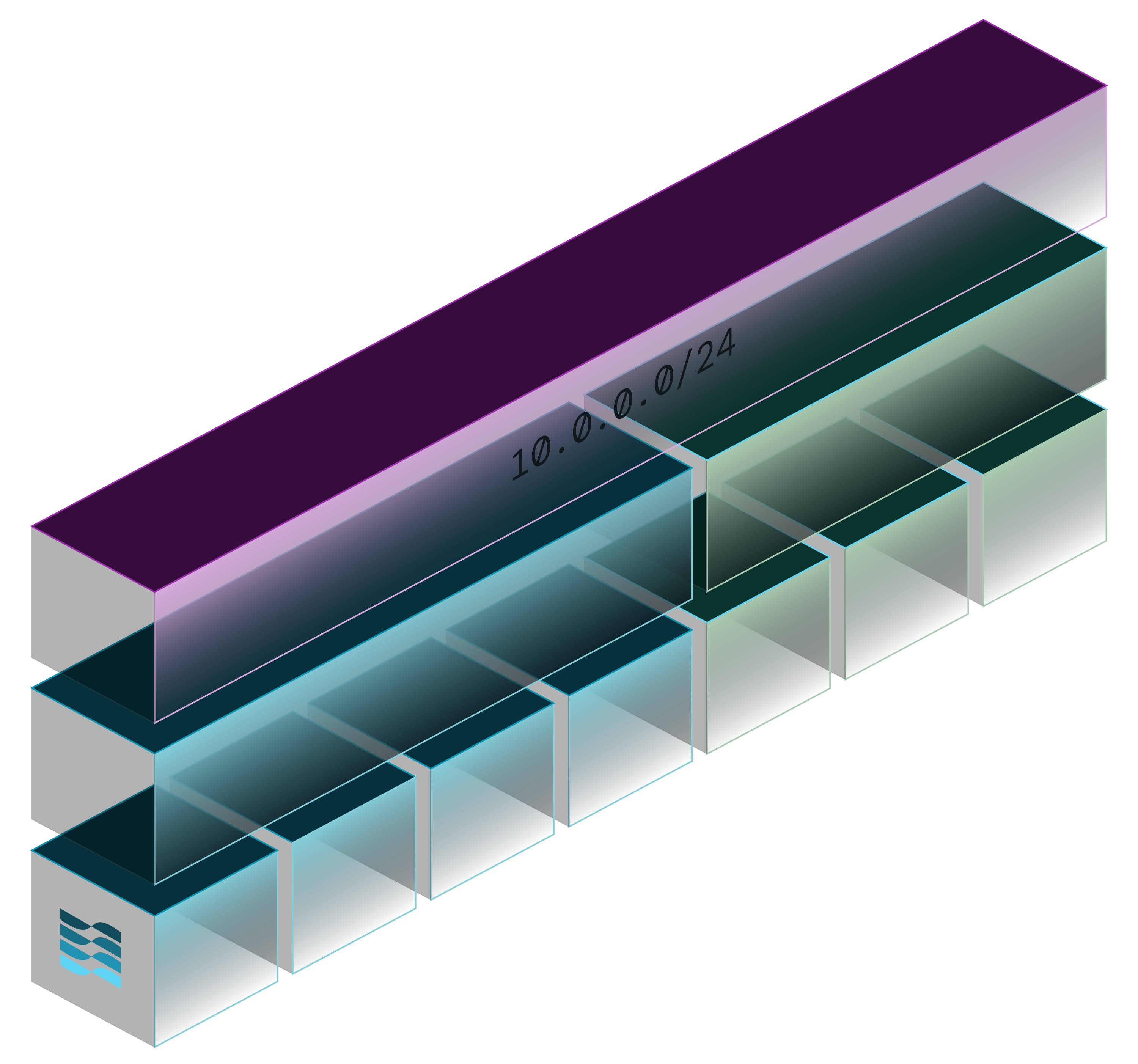
LightMesh TreeView turns your address space into a visual hierarchy. You see subnets, zones, and containers in one view - planned and live, cloud and on-prem.
- Overlap detection - see conflicts before they cause outages
- Capacity tracking - know how much space is left in each CIDR block
- Planned vs live alignment - compare what is approved against what is deployed
- Network Containers - group estates by region, business unit, or acquired company
TreeView replaces the spreadsheet-and-guessing approach with a picture your whole team can trust.
Capacity planning and overlap prevention
LightMesh tracks utilization per subnet and alerts when capacity crosses thresholds - 80%, 90%, 95%, 99%. You see exhaustion coming before it blocks a deployment.
For overlap prevention, LightMesh compares planned subnets against live cloud and DHCP data. When a new VPC or subnet appears in sync and collides with planned space, you see it in one view.
This turns capacity planning from a quarterly spreadsheet exercise into a property of your IPAM.
Subnet calculator and planning tools
LightMesh includes a Subnet Builder for designing new CIDR layouts before deployment. Plan AWS VPCs, Azure VNets, and on-prem ranges graphically - then import the plan into LightMesh as your authoritative hierarchy.
Try the Subnet Builder tool or start with the getting started guide.
Start planning your address space
LightMesh gives you visual subnet planning, overlap detection, capacity tracking, and audit history - across cloud and on-prem in one IPAM.
Start free or try the Subnet Builder.
See also: What is IPAM and IPAM software.