

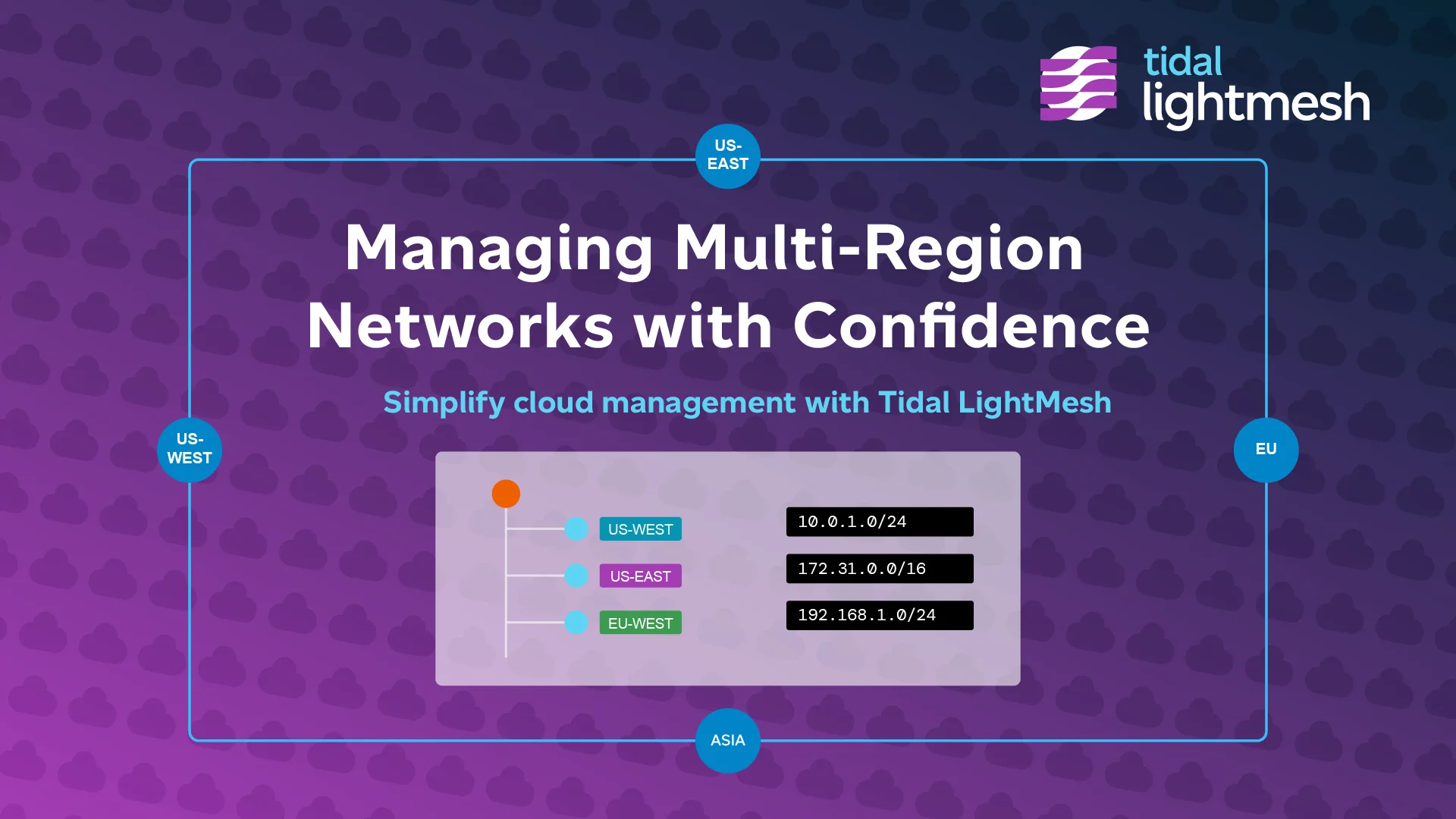
AWS IPAM challenges
AWS gives you native IPAM, but it is scoped to one account organization. Most teams run multiple accounts, regions, and VPCs - and many also run Azure, on-prem DHCP, and legacy IPAM exports.
Common problems:
- Overlapping CIDR ranges between VPCs that need to peer
- No single view across AWS, Azure, and on-prem
- Shadow subnets created by developers without consulting the plan
- Manual reconciliation between AWS console data and your IPAM spreadsheet
- Slow incident response when you cannot resolve an IP to an owner fast
Native AWS tools vs unified IPAM
AWS IPAM tells you what exists inside AWS. It does not tell you how AWS subnets relate to your Azure VNets, on-prem ranges, or DHCP leases.
| Need | AWS IPAM | Unified IPAM (LightMesh) |
|---|---|---|
| AWS subnet inventory | Yes | Yes, via agentless sync |
| Azure visibility | No | Yes, via service principal |
| On-prem DHCP | No | Yes, via Windows Discovery Agent |
| Cross-cloud search | No | One query across all sources |
| Visual planning | Limited | TreeView with overlap detection |
| Planned vs live state | Partial | Side-by-side comparison |
| API for automation | Yes | GraphQL API and CLI |
Unified IPAM fills the gap between cloud-native tools and the rest of your network.
How LightMesh discovers AWS VPCs and subnets
LightMesh connects to AWS using an agentless, read-only CloudFormation IAM role. No collectors to install in your accounts.
What gets discovered:
- VPCs and subnets across linked accounts and regions
- IP assignments with automatic region and availability-zone mapping
- Planned vs live state so you can see what is approved versus what is deployed
Sync runs on a schedule - 5-minute cadence on Enterprise, hourly on Pro and Team. You can also trigger sync on demand.
LightMesh does not modify your AWS resources. It reads and normalizes data into one IPAM hierarchy.
AWS IPAM integration setup
- Sign up for LightMesh and create your workspace.
- Deploy the CloudFormation template in your AWS account - this creates the IAM role LightMesh uses.
- Link the account in LightMesh using the role ARN.
- Sync completes and your VPCs, subnets, and assignments appear in LightMesh.
- Add more accounts and Azure subscriptions as needed.
- Search and plan across your full estate from one view.
Step-by-step: AWS integration guide.
Plan AWS address space visually
Once your AWS data is in LightMesh, use TreeView to:
- See overlaps between VPCs before you peer them
- Plan new subnets against existing allocations
- Group accounts into Network Containers by environment or business unit
- Track capacity so you know when a CIDR block is running low
This is planning your team can trust because it reflects live AWS state, not a spreadsheet someone last updated last quarter.
Start with AWS IPAM
LightMesh gives you agentless AWS discovery, visual planning, and audit history - alongside Azure, DHCP, and on-prem data in one IPAM.
Start free or follow the AWS integration guide.
See also: AWS and Azure visibility and IPAM software.